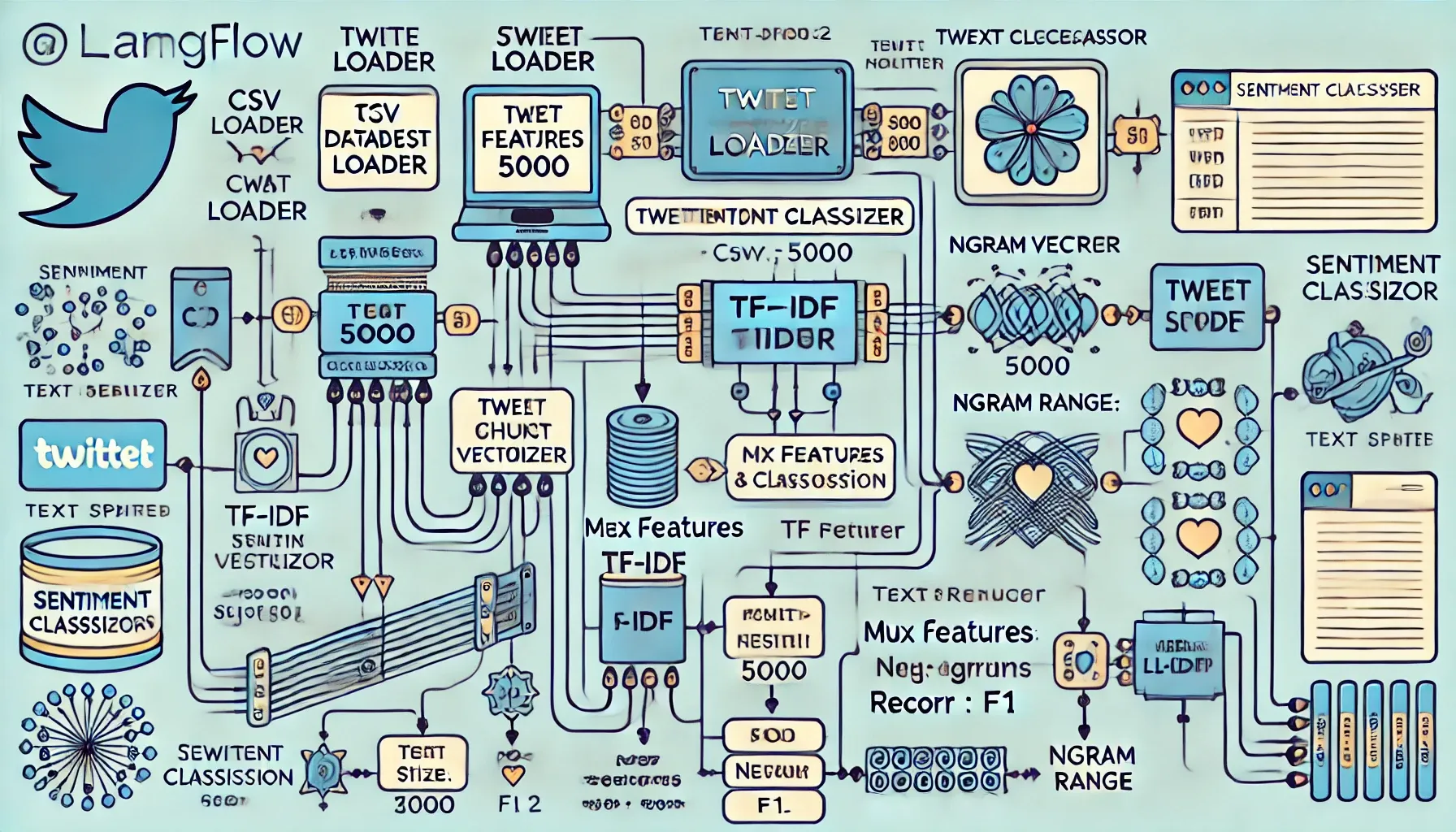
Previously, through Codemonk’s GenAI explorations, we had showcased to you how you can build a Blog Writer using Langflow. Today, we extend that thought process to analyse the written word; more specifically, conduct a rudimentary sentiment analysis across 3 specific categories of sentiments expressed (positive, neutral, negative) through tweets made by users based on their content on X (formerly known as twitter). We'll also build an API that allows users to input tweets and receive real-time sentiment predictions. This guide is designed for users with no coding experience, focusing on using Langflow's visual interface to build the entire system.
Prerequisites (All - No follow links in this subhead)
- Access to Langflow
- A dataset of labeled tweets for sentiment analysis (e.g., Twitter Sentiment Analysis Dataset) Download the CSV file here :
- Install & Access to the Llama 2 LLM through Langflow:
Step-by-Step Guide
1.Setting Up the Project in Langflow
- Install Langflow, and run the same on your web browser.
- Create a new flow by clicking the "+" button.
- Name your flow "Twitter Sentiment Analysis".
2. Data Ingestion
Component: CSV Loader Configuration:
- Name: "Tweet Dataset Loader"
- File Path: Upload your Twitter Sentiment Analysis Dataset CSV file
Connect the CSV Loader to the next component using the output arrow.
3. Text Preprocessing
Component: Text Splitter Configuration:
- Name: "Tweet Preprocessor"
- Chunk Size: 1000 (adjust based on your dataset)
- Chunk Overlap: 0
Connect the Text Splitter to the CSV Loader using the "documents" output.
4. Feature Engineering
Component: TF-IDF Vectorizer Configuration:
- Name: "TF-IDF Vectorizer"
- Max Features: 5000 (adjust based on your dataset size)
- NGram Range: (1, 2) (to capture single words and bigrams)
Connect the TF-IDF Vectorizer to the Text Splitter using the "documents" output.
5. Model Selection and Training
Component: Llama 2 Model Configuration:
- Name: "Sentiment Classifier"
- Model Name: "llama-2-7b" (or the specific Llama 2 model available in your Langflow instance)
- Task: "text-classification"
- Number of Labels: 3 (positive, negative, neutral)
Connect the Llama 2 Model to the TF-IDF Vectorizer using the "features" output.
6. Model Evaluation
Component: Classification Evaluator Configuration:
- Name: "Model Evaluator"
- Metrics: ["accuracy", "precision", "recall", "f1"]
Connect the Classification Evaluator to the Llama 2 Model using the "predictions" output and to the CSV Loader using the "true_labels" output.
7. API Creation
Component: FastAPI Configuration:
- Name: "Sentiment Analysis API"
- Endpoint: "/predict_sentiment"
- Method: POST
Output Schema:
json
Copy
{
  "predictions": [
    {
      "text": "string",
      "sentiment": "string",
      "confidence": "number"
    }
  ]
}
Input Schema:
json
Copy
{
  "tweets": [
    {
      "text": "string"
    }
  ]
}
Connect the FastAPI component to the Llama 2 Model using the "model" input.
8. Connecting Components
Ensure all components are properly connected:
- CSV Loader → Text Splitter
- Text Splitter → TF-IDF Vectorizer
- TF-IDF Vectorizer → Llama 2 Model
- Llama 2 Model → Classification Evaluator
- CSV Loader → Classification Evaluator (for true labels)
- Llama 2 Model → FastAPI
9. Testing the Flow
- Click the "Run" button in Langflow to execute the entire flow.
- Check the output of the Classification Evaluator to see the model's performance.
- Test the API using the built-in API tester in Langflow or by setting up a simple client application.
Once your flow is set up and running, you can use the sentiment analysis tool in two ways:
- Batch Processing: Use the CSV Loader to process large datasets of tweets and get sentiment predictions.
- Real-time API: Use the FastAPI endpoint to send individual tweets or small batches for sentiment analysis. The API will return predictions in real-time.
To use the API:
- Send a POST request to the "/predict_sentiment" endpoint.
- Include a JSON payload with the "tweets" key containing an array of tweet objects.
- Receive a JSON response with sentiment predictions for each tweet.
You've now successfully built a sentiment analysis tool for Twitter using Langflow and the Llama 2 LLM. This tool can classify tweets as positive, negative, or neutral, and provides both batch processing capabilities and a real-time API for sentiment prediction.
Remember to continuously monitor and update your model as needed, especially if the nature of the tweets or language use changes over time; and bare in mind that, you may need to retrain the model periodically with fresh data to maintain its accuracy. Using Langflow's visual interface, we now have created a powerful NLP tool without writing any code, democratizing AI development for non-programmers to build sophisticated machine learning applications.
Based on the responses to our internal API requests, we at Codemonk were successful in identifying the below use cases for tweets made by people, alongside the most popular applications of sentiment analysis of tweets for businesses:
- Brand Monitoring:
- Track overall brand sentiment and reputation
- Identify sudden changes in brand perception
- Customer Service:
- Detect and respond to customer complaints quickly
- Identify common issues or pain points
- Product Feedback:
- Gather real-time feedback on new product launches
- Identify features customers love or dislike
- Competitive Analysis:
- Compare brand sentiment against competitors
- Identify competitors' strengths and weaknesses
- Crisis Management:
- Detect potential PR crises early
- Monitor sentiment during and after crisis situations
- Marketing Campaign Evaluation:
- Measure the success and impact of marketing campaigns
- Adjust strategies based on audience reception
- Influencer Identification:
- Find potential brand advocates
- Identify influential users in specific topics or industries
- Market Research:
- Understand general public opinion on topics relevant to the business
- Identify emerging trends or consumer needs
- Stock Market Prediction:
- Analyze sentiment as one factor in predicting stock price movements
- Gauge investor sentiment towards a company or industry
- Political Analysis:
- Understand public opinion on political issues or candidates
- Track sentiment changes during political events or campaigns
- Event Monitoring:
- Gauge attendee satisfaction at corporate events or conferences
- Collect real-time feedback during live events
- Customer Segmentation:
- Identify different customer groups based on their sentiments and preferences
- Tailor marketing strategies for different segments
- Product Development:
- Gather ideas for new products or features
- Prioritize development based on customer sentiment
- Sales Forecasting:
- Use sentiment as one input in predicting future sales
- Identify potential barriers to purchase
- Employee Satisfaction:
- Monitor employee sentiment (if they discuss work on social media)
- Identify areas for improving workplace culture
Let us know your thoughts on these use cases and which of the above seems more appropriate to you as a business. We will be developing these exemplars further to tackle many more problem statements in Generative AI.


 Akshay Kumar